Defensive Security
Client-Side Crypto Tools for CSR, Hash and Password Work: A KaliLinux.net Lab Guide
When is it safe to generate a CSR, hash or password in a web tool? Learn how client-side Web Crypto tools work and how to verify them against openssl in Kali.
Every security course repeats the same rule: never let your private key leave your control. Yet plenty of people still paste certificate requests, passwords and secrets into random web tools. The good news is that modern browsers can do real cryptography locally, so a well-built web tool can be as safe as a command-line one. The trick is knowing which tools work that way and how to verify the claim yourself.
This guide uses Indomaret.org , a free collection of 294 tools with no sign-up, as a worked example, and cross-checks everything with standard Kali Linux tooling.
Server-side vs client-side: where the secret lives
A server-side CSR generator receives your domain details, creates a key pair on its own machine and sends both back. Even if the operator is honest, your private key was generated and held — however briefly — on hardware you do not control. Logs, backups or a compromised server can expose it.
A client-side generator does the same job inside your browser tab. The key pair is created by the Web Crypto API (crypto.subtle.generateKey), the CSR is assembled and signed locally, and nothing is transmitted. The CSR and private key generator
on Indomaret.org works this way: it builds a PKCS#10 request with Web Crypto and its output is tested against openssl req -verify.
| Task | Safe in a client-side web tool? | Kali equivalent |
|---|---|---|
| Generate CSR and private key | Yes, if Web Crypto is used | openssl req -new -newkey rsa:2048 -nodes |
| Generate a password | Yes, with crypto.getRandomValues | openssl rand -base64 24 |
| Hash a string (SHA-256, MD5) | Yes | sha256sum, md5sum |
| Create a bcrypt hash | Yes | htpasswd -bnBC 12 "" password |
| Check a live SSL certificate | Needs a server (must reach the host) | openssl s_client |
Verify the claim with DevTools
“Runs in your browser” is a claim, not a guarantee. Test it:
- Open the tool page and press F12, then go to the Network tab.
- Clear the request list.
- Enter test data and run the tool.
- Inspect every new request. You should see no POST or fetch carrying your input. At most, the page loads its own JavaScript or WebAssembly files.
For extra assurance, disconnect from the network after the page has loaded and run the tool again. A genuinely client-side tool keeps working.
Verify the output with openssl
Never trust an artifact you have not checked. For a CSR saved as request.csr:
openssl req -in request.csr -noout -verify -text | head -20
verify OK confirms the request is correctly signed by the matching private key. To confirm a key and CSR belong together, compare their public key moduli:
openssl req -in request.csr -noout -pubkey | sha256sum
openssl pkey -in private.key -pubout | sha256sum
Identical hashes mean they match. For string hashes, compare the web output with printf '%s' 'text' | sha256sum — note printf instead of echo to avoid a trailing newline changing the result.
When a server is unavoidable
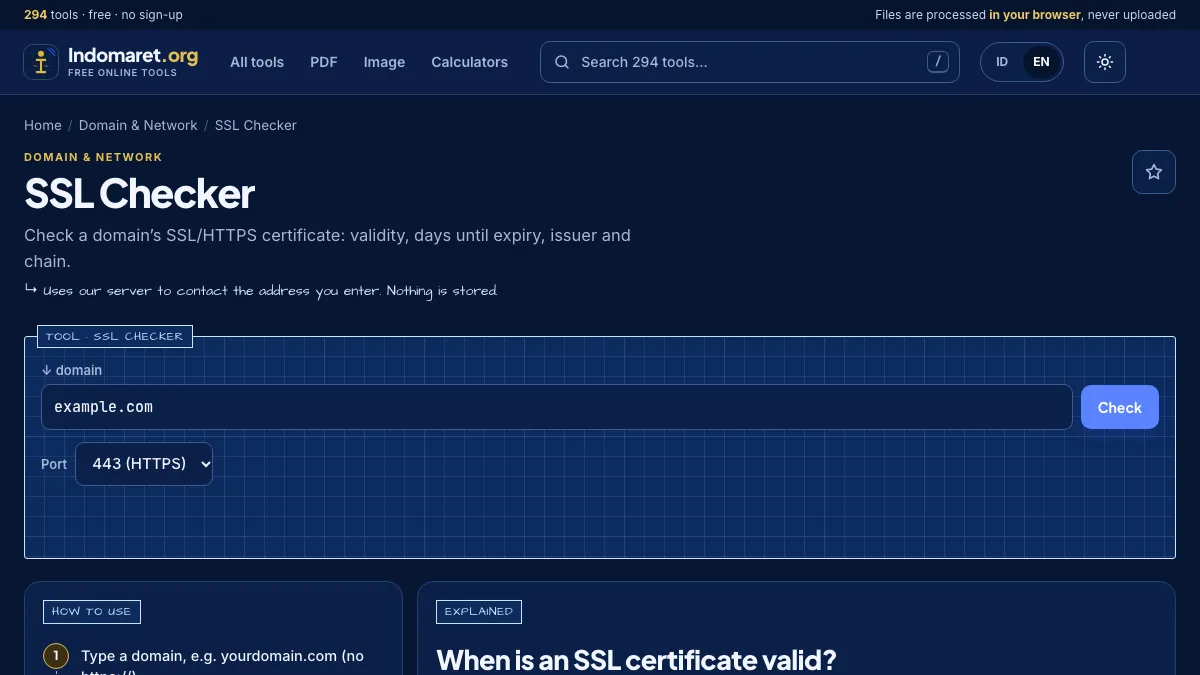
Some checks cannot run client-side because browsers cannot open raw sockets to arbitrary hosts. Certificate checks, DNS lookups and port tests need a server to make the connection. That is fine, because the data involved is public. What matters is how the service behaves: the SSL checker on Indomaret.org states that it uses its server to contact the address you enter and stores nothing, and the site’s network tools refuse private and local addresses to prevent server-side request forgery.
Lab exercise
Try this in your Kali lab to build the habit:
- Generate a CSR in a client-side web tool for a test domain you own.
- Generate a second CSR with openssl in Kali.
- Verify both with
openssl req -verifyand compare their subject fields. - Watch DevTools during step 1 and document that no request carried the key.
- Delete the test keys when you are done.
Convenience and security are not opposites. A browser tool built on Web Crypto, verified with DevTools and cross-checked in Kali, is a perfectly defensible part of a security workflow.
Pertanyaan yang sering diajukan
Is it safe to generate a CSR in an online tool?
How can I prove a web tool does not upload my data?
Are browser-generated passwords random enough?
Should I still use openssl in Kali?